
Ajutor › Builder (Design and Pages)
Styles tab in Editor
Table of contents
Getting Started
You will find the Styles tab in almost every setting in your builder. This article will cover all the settings inside the Styles tab. Here is the list of settings you will find the styles tab inside:
- Margin and Padding
- Border
- Radius/Rounded Corner
- Box Shadow
- Transform
Margin and Padding
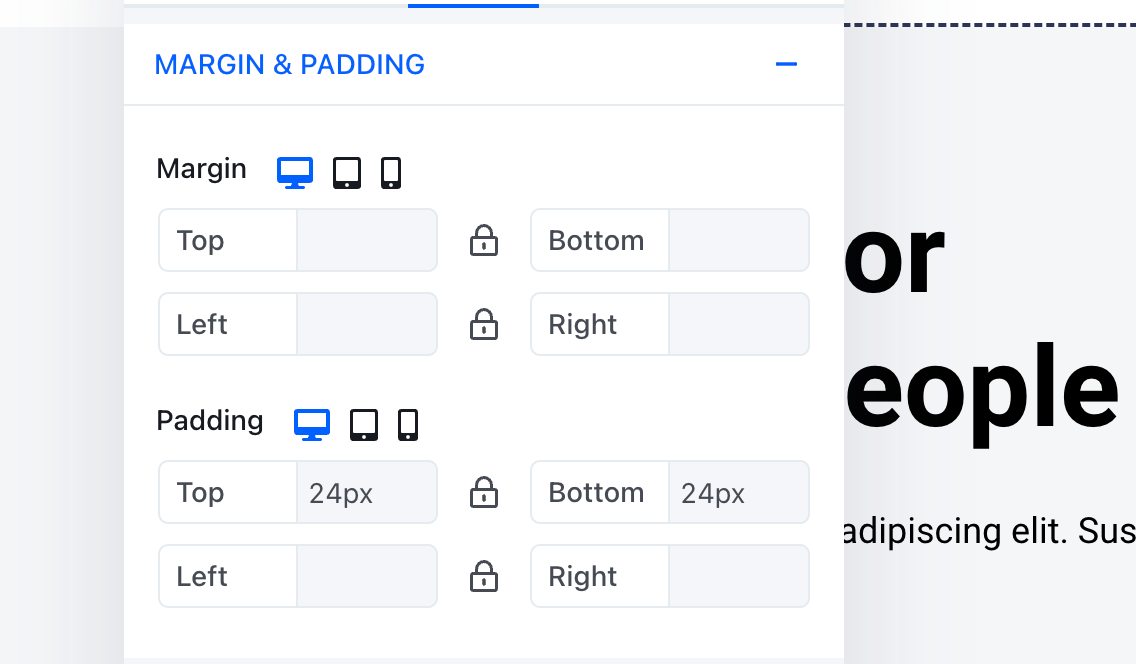
The margin and padding option let you change and tinker with the margin and padding of any row, section, column, or element.
⬇️ Here is what it looks like:
⬇️ Where to find it:
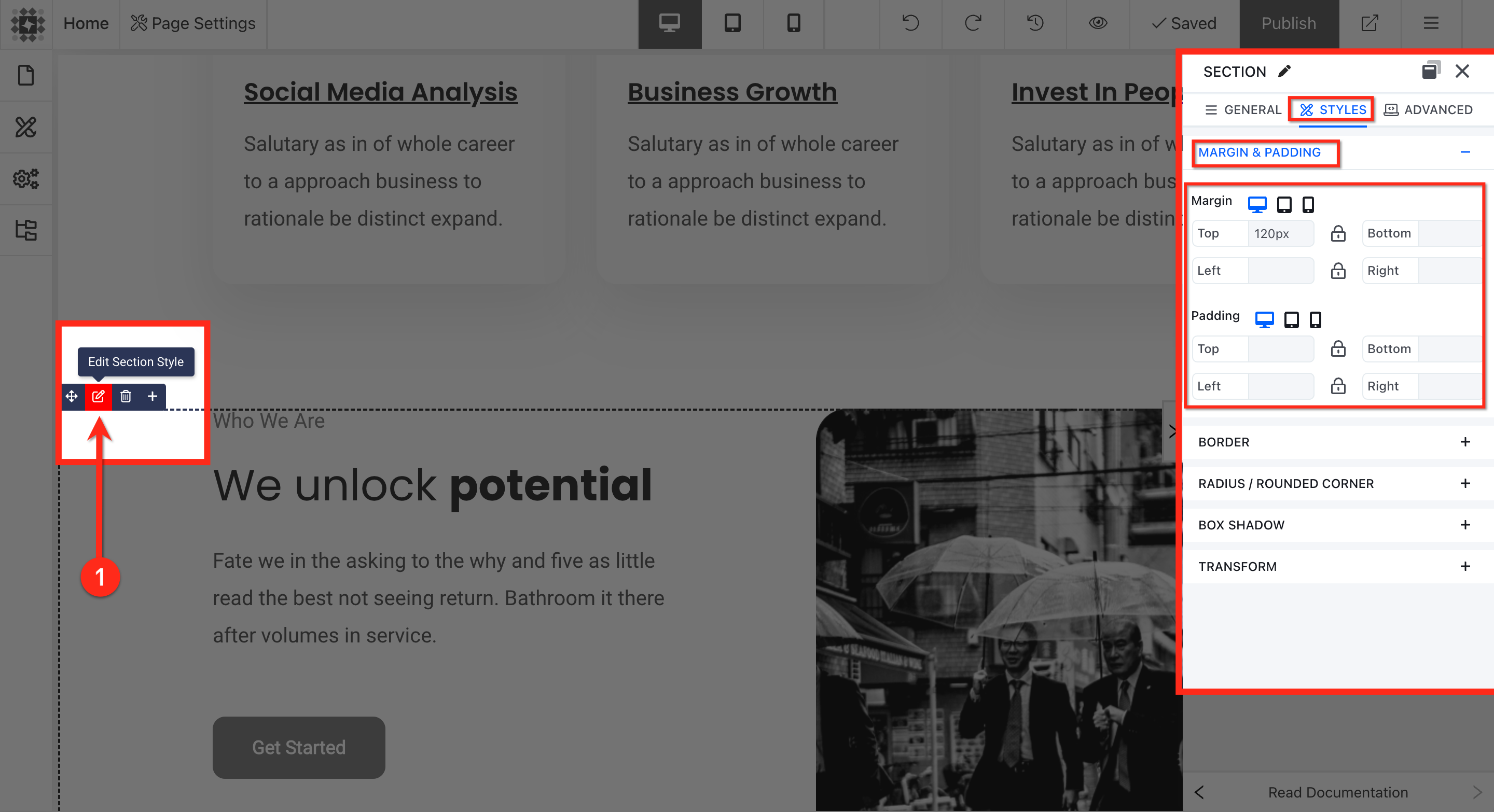
⬇️ You can change the values in %
⬇️ Or in pixels or px
Once you activate the lock aspect option or click on the 🔒 option, it will change the values parallelly for both sides.
Border
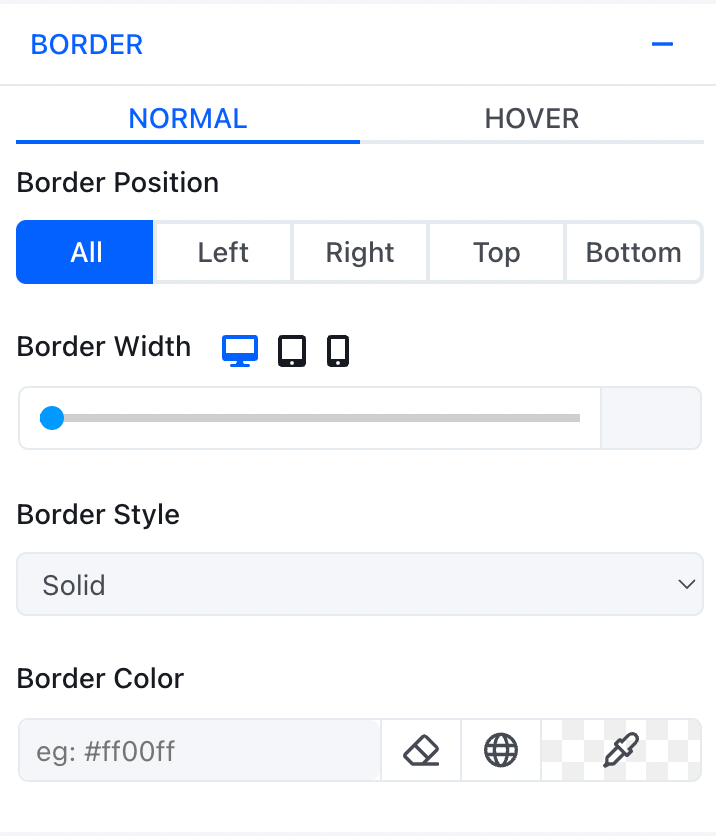
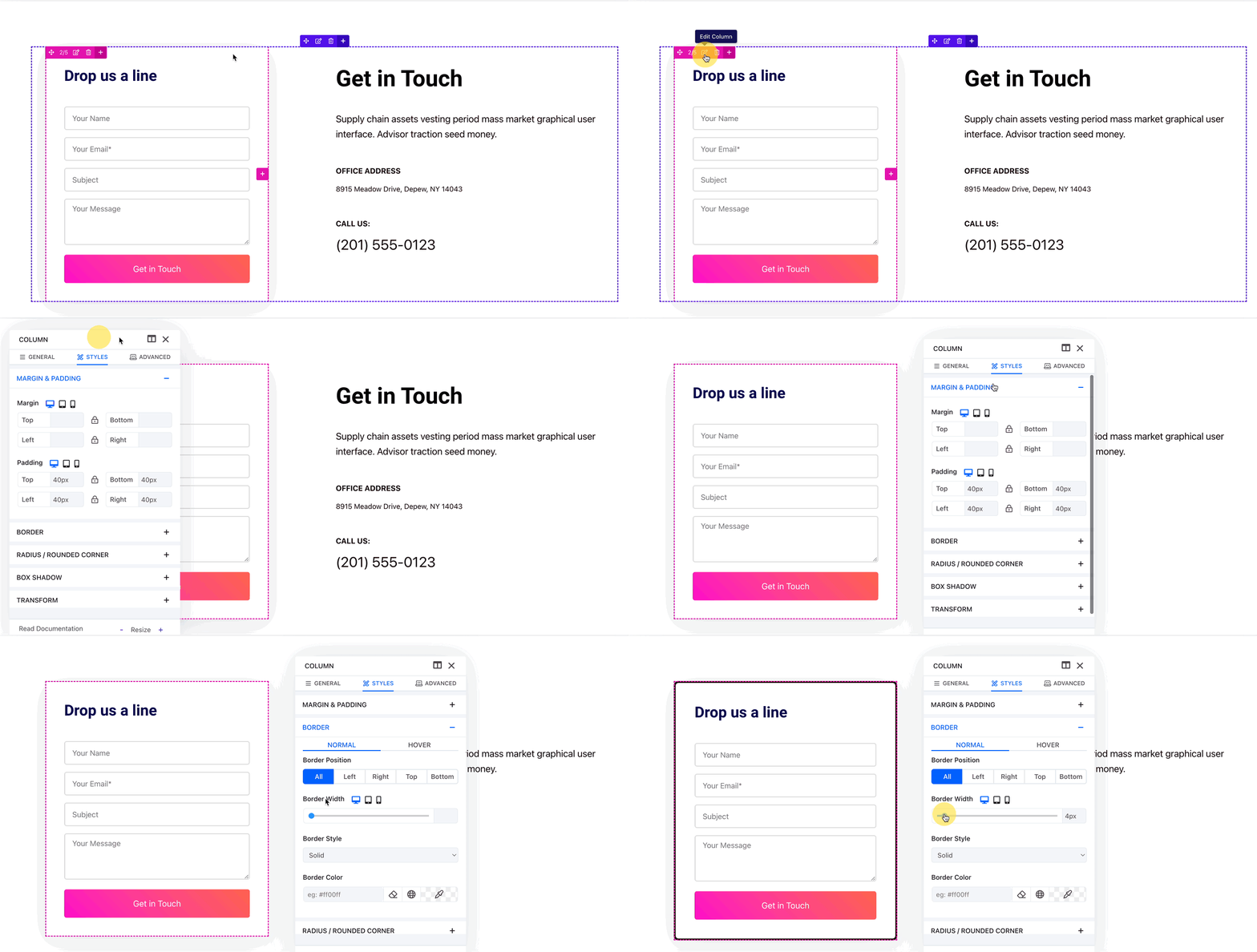
The border option lets you add a border around any element, section, row, and column.
This is what the border setting looks like:
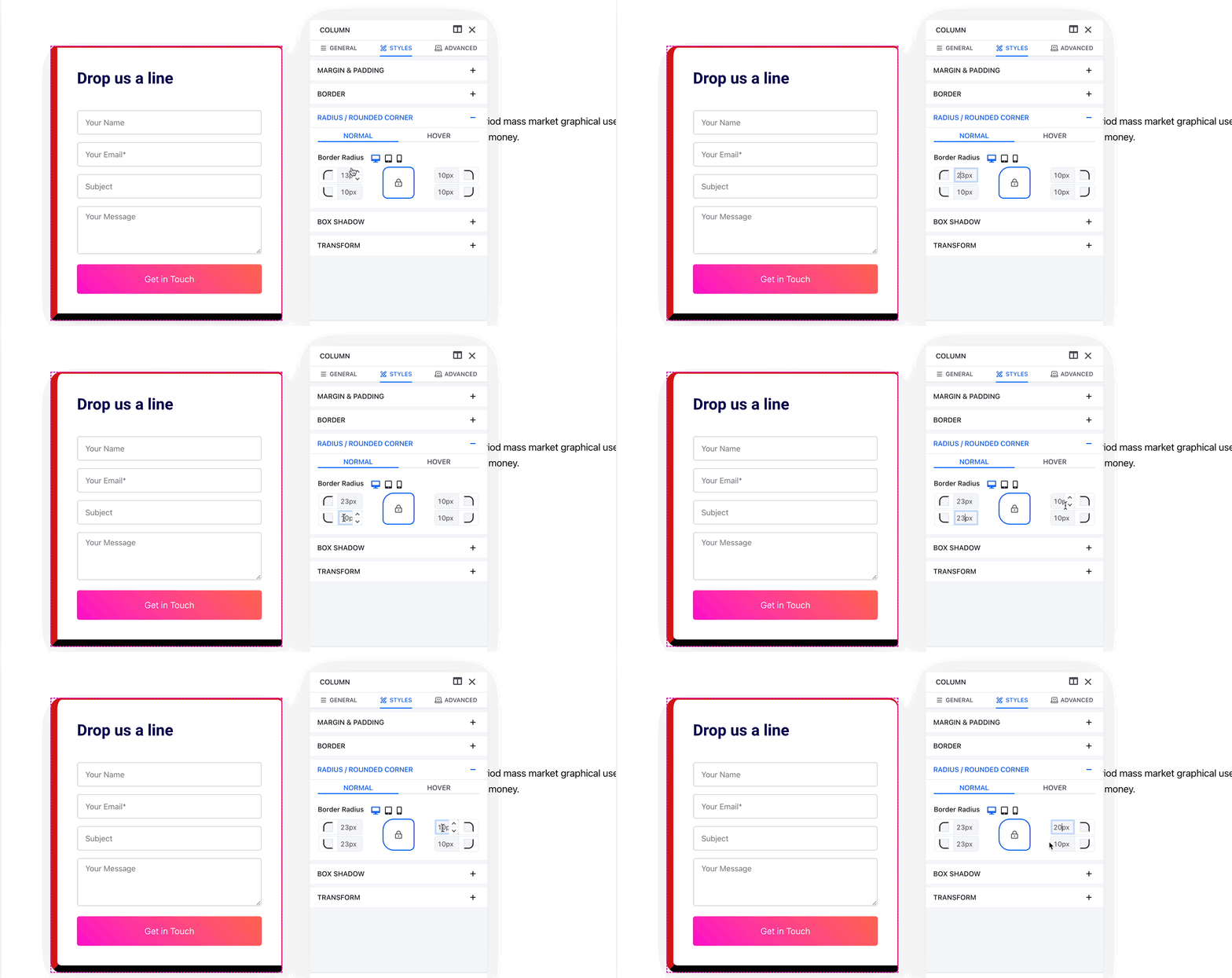
Radius/Rounded Corner
This option lets you add a rounded corner to your border.
Box Shadow
The Box shadow option lets you add a shadow around your border.
Transform
This option allows you to transform your element, like rotating, skewing, scaling, etc.
Related articles
How to add Animation🔄 How to control Z-indexAi nevoie de ajutor? Scrie-ne.