
Ajutor › Builder (Design and Pages)
Category template
Table of Contents
Getting Started
This article will show you how to add and stylize the Category Page on your CMS Site. Category templates are useful if you want your visitors to easily find the topics they are looking for. For example, if a visitor is looking for your latest blogs, they can visit the category template page and find what they are looking for.
Adding a new category
to learn how to add a new category, refer to the article below —
Adaugă o categorie nouăCategory Template
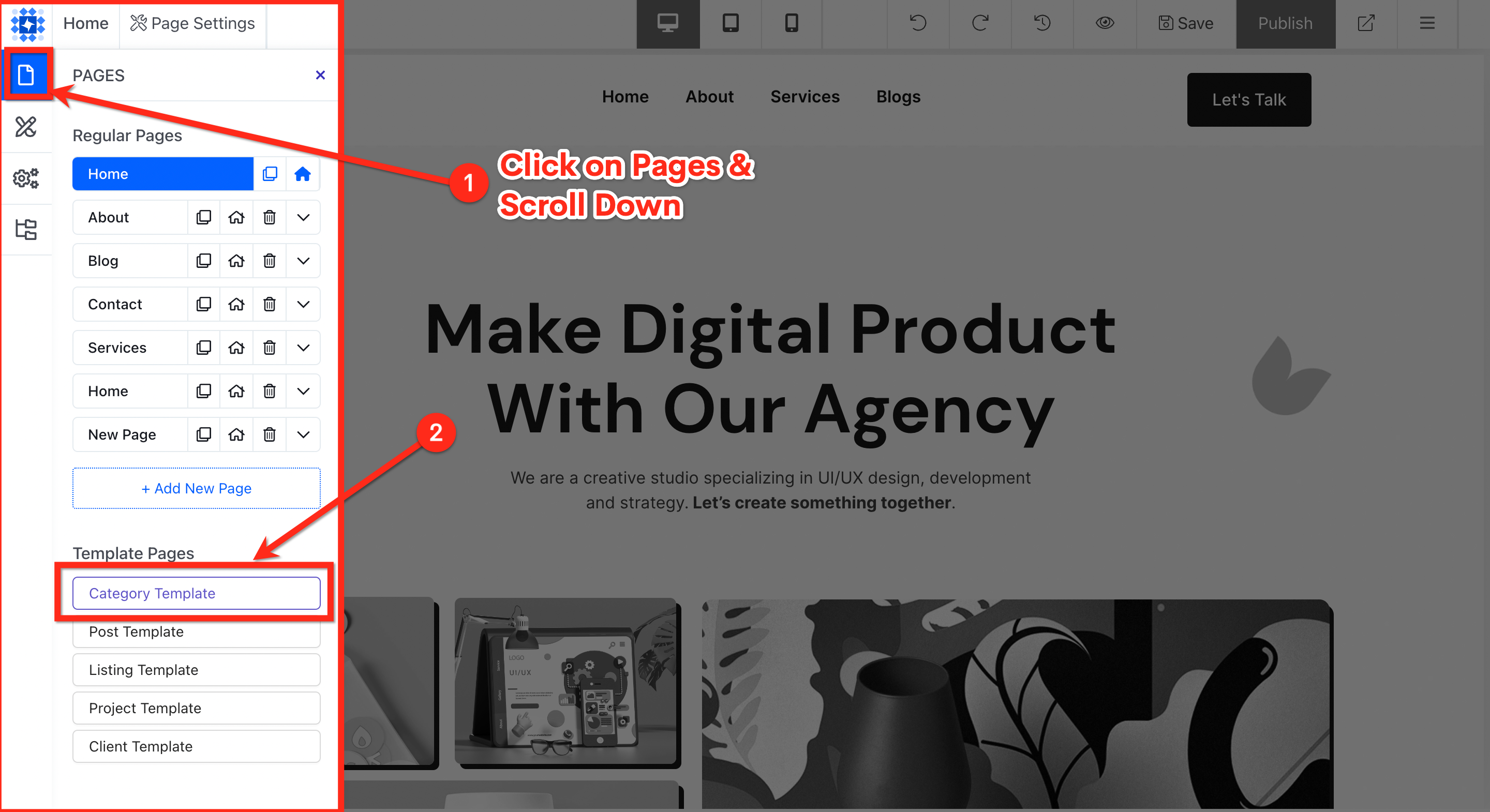
You can find the option to stylize your category template by:
1️⃣ Clicking on Pages on the left-hand panel of the website builder.
2️⃣ Scroll down & you will find the category template page just down under Template Pages
3️⃣ Now you can stylize or customize the template according to your need
Related articles
Post template Post preview in Template DesignAi nevoie de ajutor? Scrie-ne.