
Text
Getting Started
You can add texts to your website using the Text element. This article will cover how you can add and edit the Text element. Follow all instructions accordingly.
Table of Contents
Adding the Text element
Follow the steps below to add the Text element to your site.
- Click on Add Element in an empty row and section
- From the General Elements section, select Text
Refer to the GIF below:
Editing the Text element
Follow the steps and instructions below to add and edit the Text element on your site.
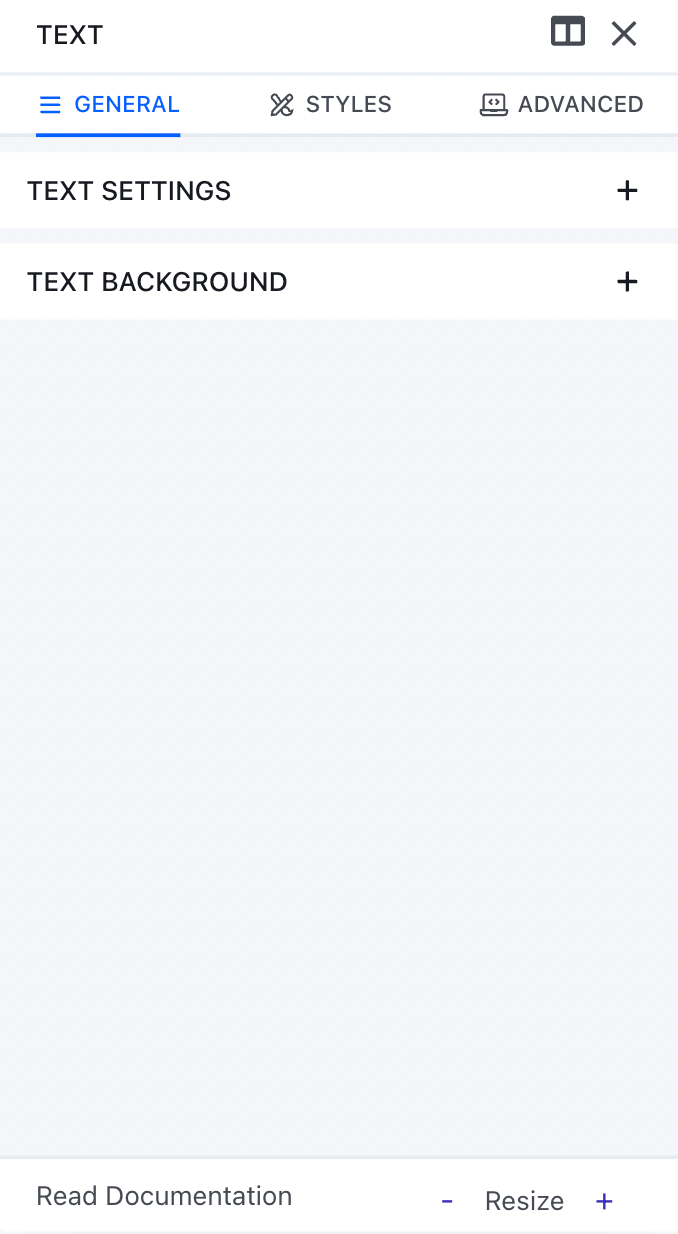
The Text element editor has the following options:
- Text Settings
- Text Background
The Text element editor:
Text Settings
In this option, you can make many changes to the element with many necessary settings. Refer to the GIF below to see these settings being demonstrated.
Text Background
This option lets you add a background to the Text element in the form of plain color or gradient. Refer to the GIF below to see these settings being demonstrated.
Related articles
Heading/Title➕ AcordionAi nevoie de ajutor? Scrie-ne.