
Custom Code
Table of Contents
Getting Started
You can add custom code to your page to help you make your customizations on your own. This article will cover how to add custom code to your website. Follow all the instructions accordingly.
Add Custom Code to your website
Follow the steps below to add custom code to your site.
- Click on Add Element in an empty row and section
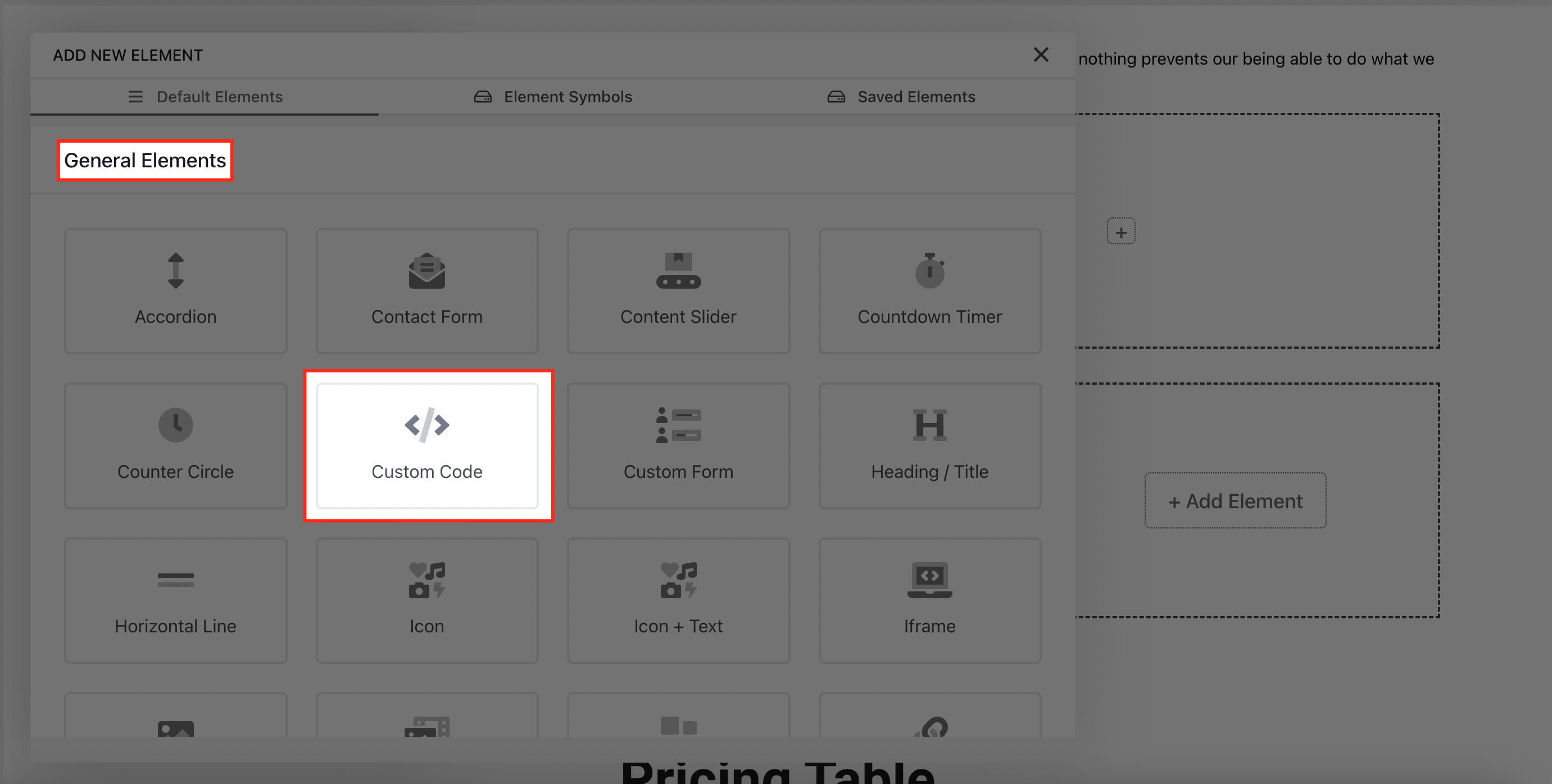
- From the General Elements section, select Custom Code.
Refer to the GIF below:

Custom Code element after it is added
Adding Custom Code
The Custom Code element editor comes with the following option, as shown in the picture below:
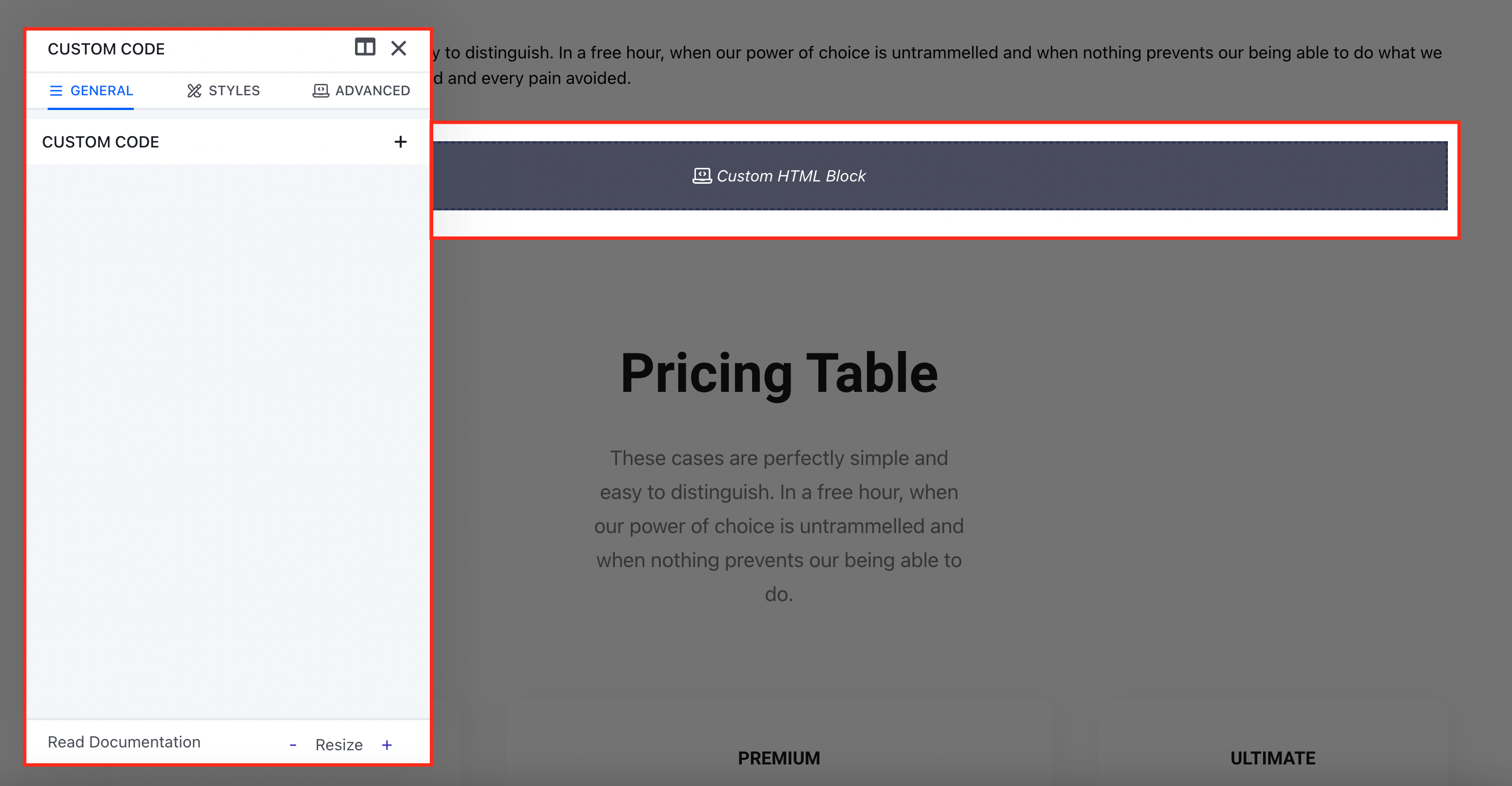
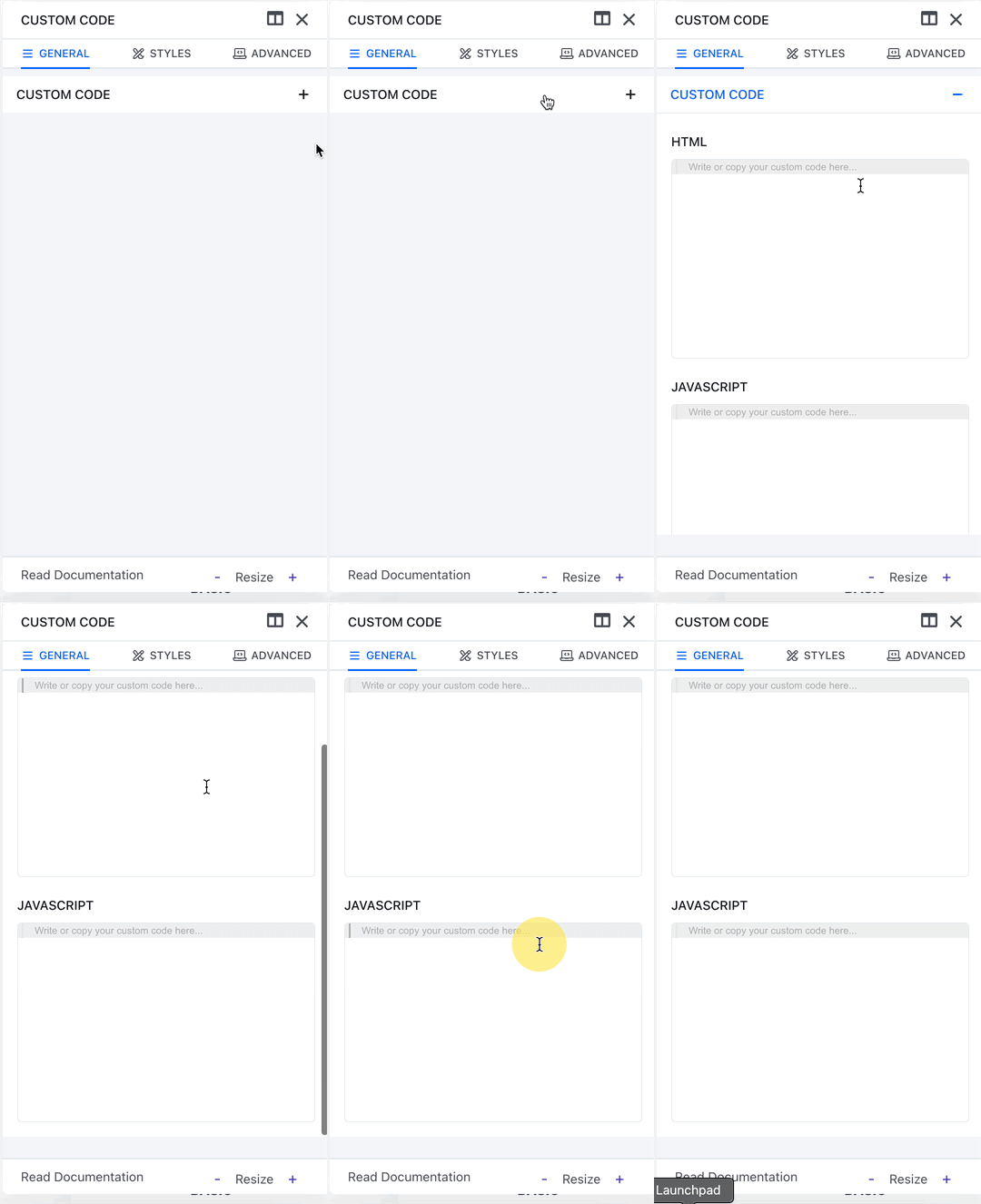
To start adding your custom code, write down your code in the code editors inside the Custom Code option inside the editor. You can add the following codes in the element:
- HTML
- Javascript
Related articles
Încorporează cod personalizat într-o postare de blogAi nevoie de ajutor? Scrie-ne.